 made in the USA



Top 10 Free Kitchen Design Software
When remodeling a kitchen, it can sometimes be difficult or even impossible to visualize a new design. After all, how can you picture something that doesn’t even exist yet? Luckily for you and me, there are a variety of free and paid kitchen design software solutions to get your kitchen plan finalized for your next renovation or remodeling project.
Many of the kitchen design programs you can find online are also used by interior designers and cabinetry professionals. However, some of these can cost over $1,000. If you are just getting started designing, then you may be hesitant or unable to pay the higher cost of these programs. At the same time, many people have a negative perception of free programs being low-quality or scammy.
And so, at CabinetNow we took the time to find the 10 best free kitchen design programs online so that you can quickly get started making the kitchen of your dreams! Here is our quick list for those eager to get started, or you can read on for reviews, pros, and cons for each.
- Room Sketcher
- SketchUp-Free
- IKEA Kitchen Planner
- Planner 5D
- Renuit Kitchen Restyling
- Home Hardware
- Online Backsplash Designer
- Caesarstone’s Virtual Kitchen Visualizer
- RoomStyler
- Home Stratosphere
1. Room Sketcher
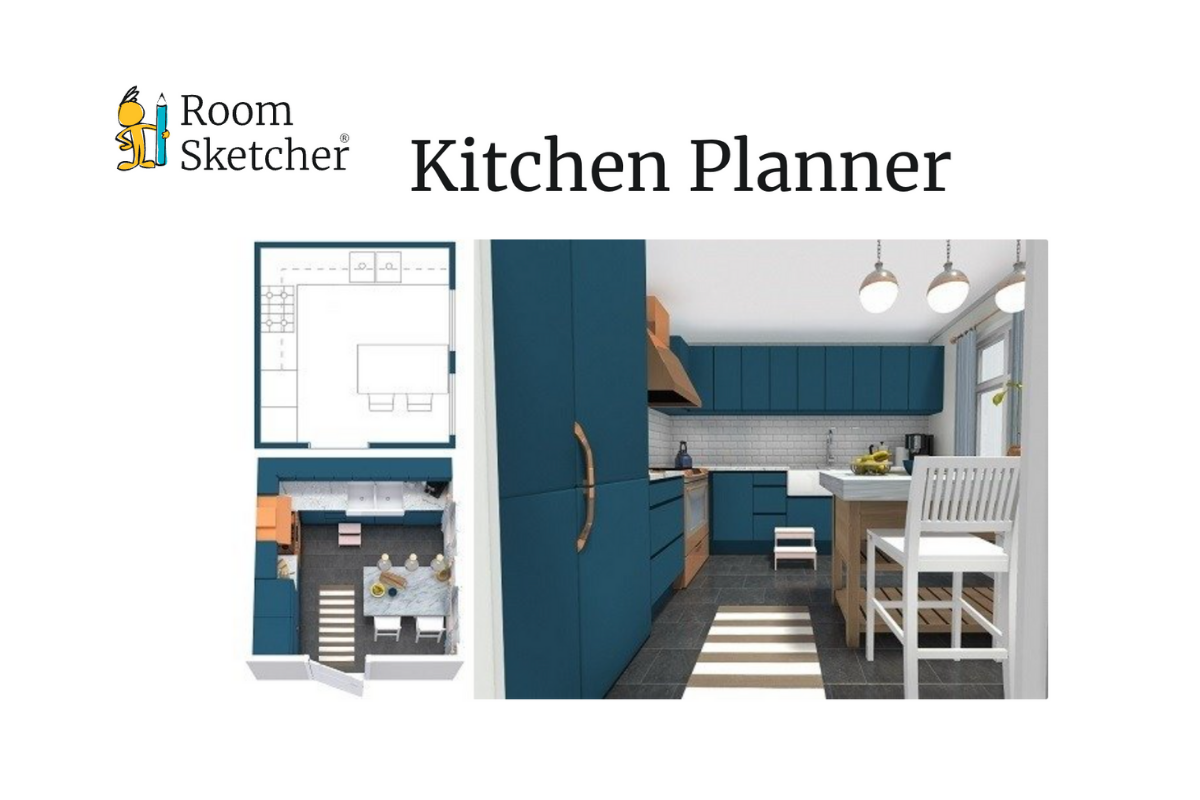
Room Sketcher is a free online app that allows you to quickly and easily create your own kitchen designs. This program was designed to be super homeowner friendly and doesn’t require design experience.
To get started, you will need to make an account and download the Room Sketcher app to either your computer or tablet. The app is free to use, but you can unlock additional features by upgrading your account at any time.
Once you have the app up and running, you can start designing your kitchen. You can test out different floor plans to find the perfect fit for your home. Next, you can add in all the furnishing you want for the space. This way, you can test out different countertops, backsplashes, wall colors, and more. Once you have this step complete, Room Sketcher has a feature to let you explore your design in 3D.
In addition to the 3D “walk” through, you can also use Room Sketcher to create 2D designs so that you can quickly see if everything will fit.
| Pros | Cons |
|
|
2. SketchUp
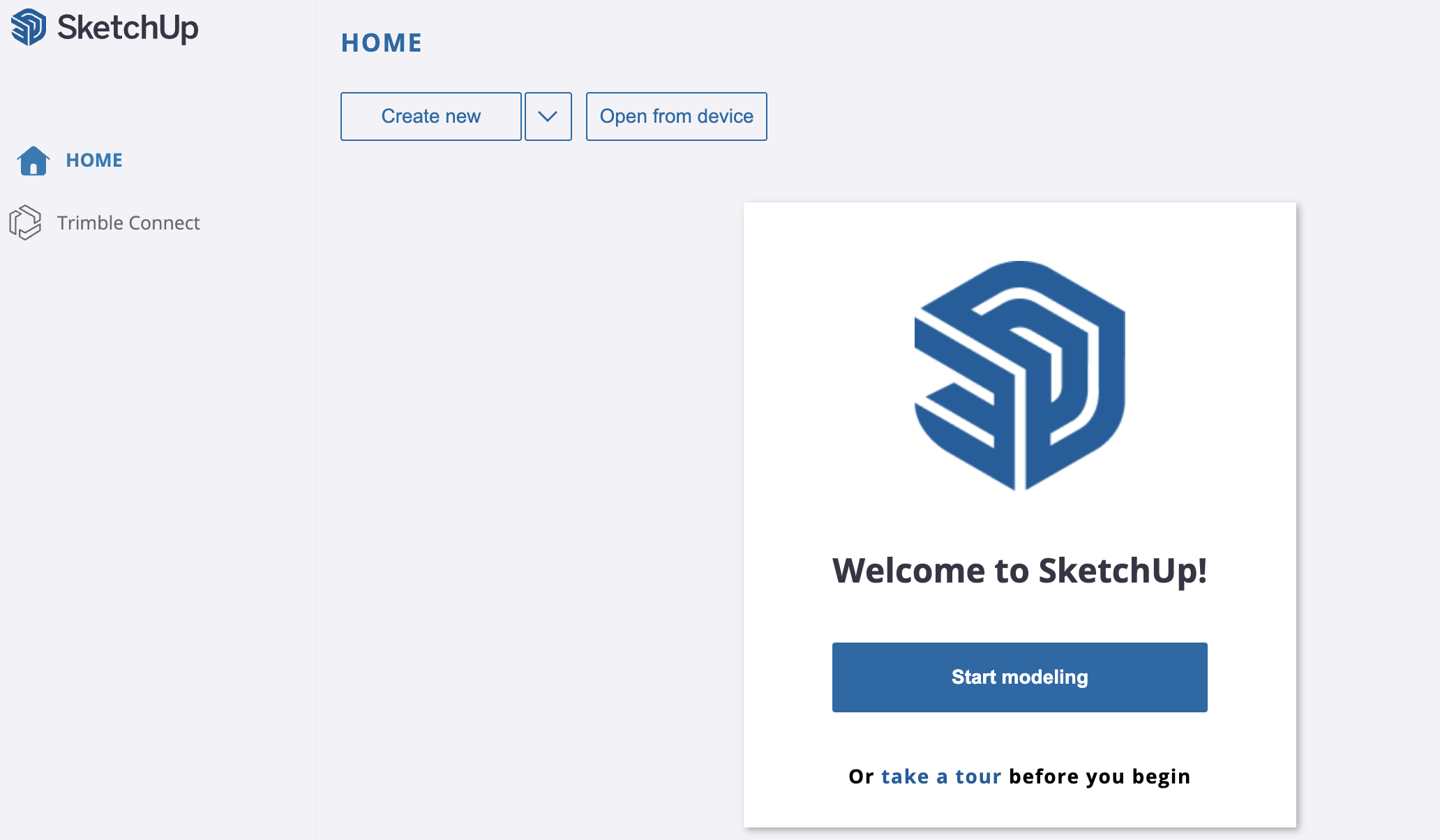
SketchUp offers free online software that you can use to design from your web browser. This means that you don’t have to download an app, and you can work from wherever you have an internet connection. In addition to being usable in your browser, SketchUp also offers cloud storage so your designs can be available on the go.
To get started, you will need to sign up for an account with SketchUp, but they only require an email address for this. Once you have your account ready, you get started designing right in your browser. You can upload a model or sketch to work on, or you can start a new design from templates or from scratch. You can design in imperial or metric, so planning out a variety of designs won’t be too difficult. In addition, SketchUp also has a 3D Warehouse that provides you countless objects to add to your design from backsplashes and cabinets to couches and outdoor features.
|
Pros |
Cons |
|
|
3. IKEA Kitchen Planner
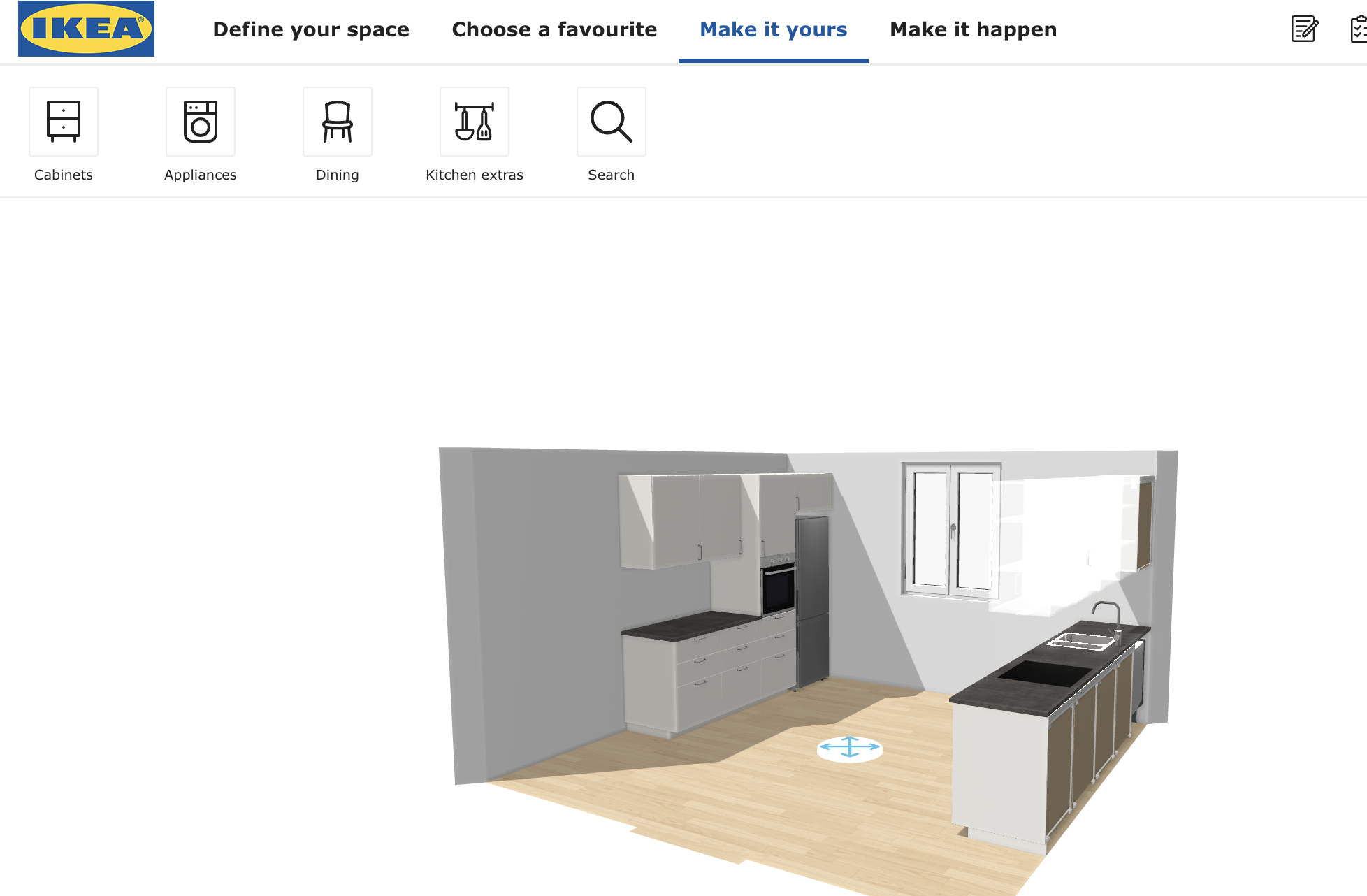
IKEA kitchen planner has become a staple in the world of furniture and interior design. This is largely due to their innovative approach to DIY assembly. And so, it should be no surprise that they have created an easy-to-use online program to help you design your next kitchen. If you make an account with IKEA, which is free, you can also save your designs to continue working on them later.
Getting started is quick and easy since you can use this design tool right in your browser. You start by selecting the configuration for your oven, hood, and refrigerator, and then choosing a layout for your kitchen. Next, you will add in your structural features such as doors, windows, water supply, columns, and choose the color and material for the walls and flooring.
The IKEA Kitchen Planner takes all this information and gives you suggestion templates that help you get started designing with their products. Once you pick your template, you can personalize the cabinets, appliances, and kitchen decore. The best part is that IKEA will show you an estimated price as well as sizes so you will be ready to get going once you are finished designing.
Once your design is complete, you can download your IKEA Kitchen Planner PDF and upload it directly to CabinetNow using our QuickQuote tool to get a custom quote based on your layout. If you need help downloading your file, you can follow our step-by-step guide on how to download your IKEA Kitchen Planner PDF for an instant CabinetNow quote.
How to Save Your IKEA Kitchen Planner Design as a PDF and Get a Free Quote
Ready to get started? Upload your PDF and get an instant quote for custom cabinet doors today.
|
Pros |
Cons |
|
|
4. Planner 5D
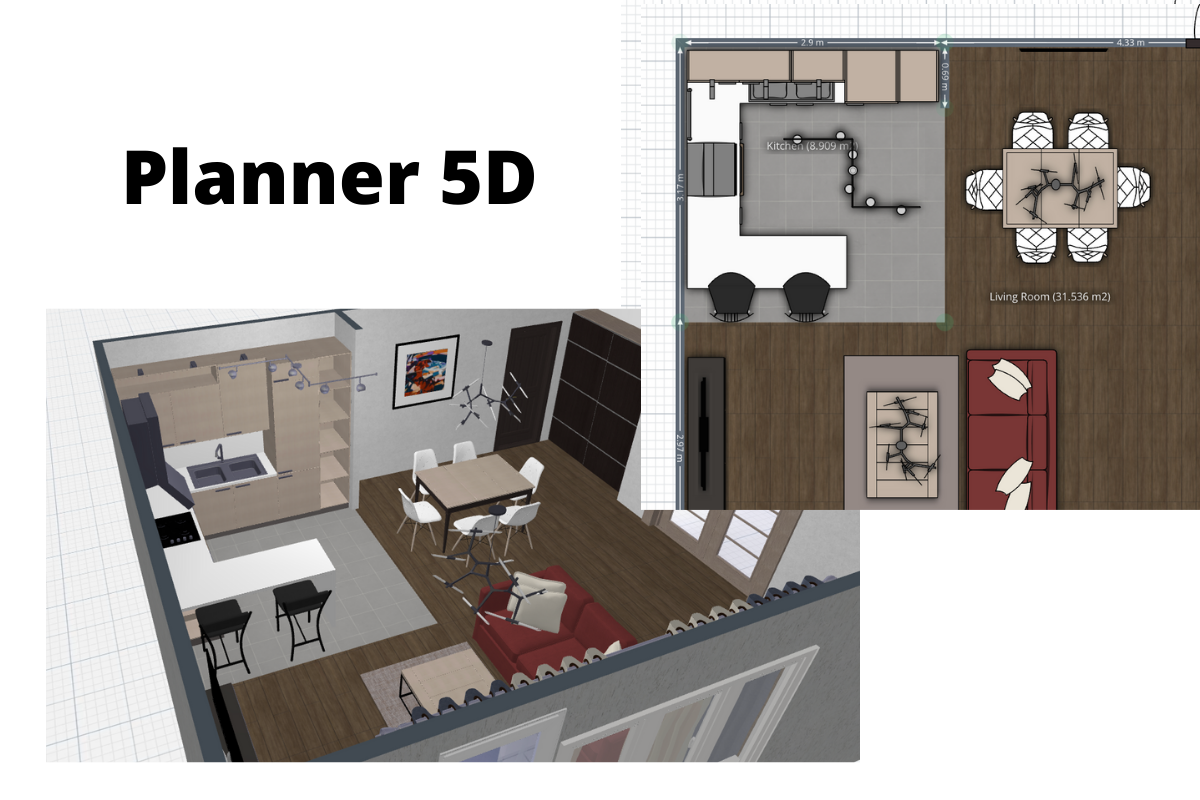
Planner 5D is a great online tool that you can use to create 2D and 3D designs for your home. This tool is not limited to any one room or even to the inside of the home. This program is free to use and only requires email signup. One feature I really enjoyed with this design tool is that it automatically saves as you go. This is a great way to prevent losing hours or even days of work if your device dies or loses connection before you can save.
Once you have your account set up, you can get started designing from templates o